Budgets and client reports
Set project hour budgets and alerts. Separate billable and internal time, then export Hebrew client reports with or without rates as CSV, HTML or print to PDF.
For independent people doing a lot
Client projects, tasks and working hours in one place. Know what you worked on, how long it took and what your time is worth.
Windows 10 / 11 · x64
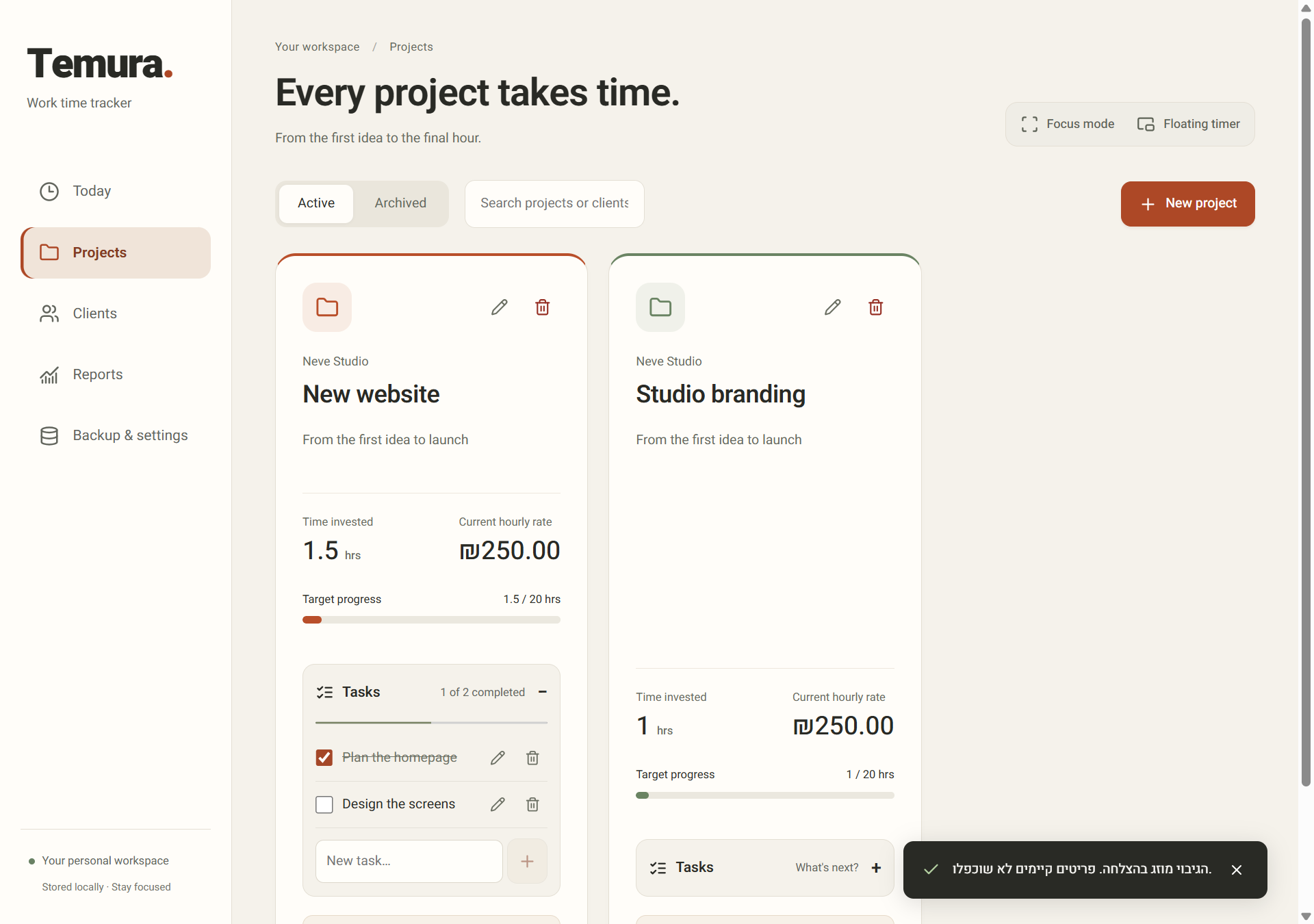
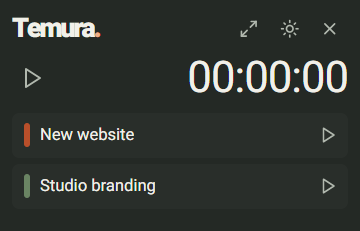
01 / A closer look
Three short recordings from the app. Pick an action and see how it works.
Pick a project and start. Pause when you need to, resume when you return and save your time when you finish.
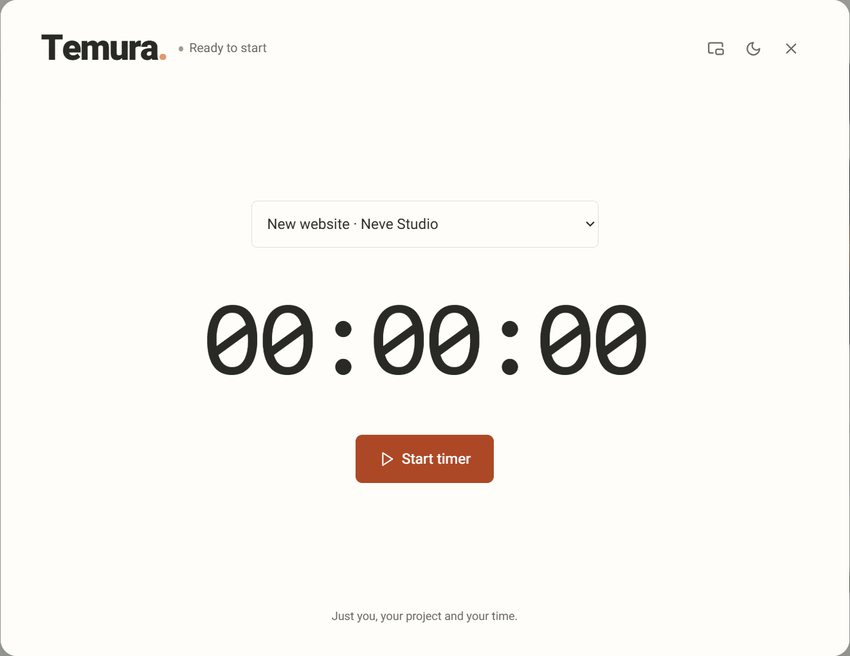
Choose a project → Start → Pause & resume → Save
The tiny timer stays above your work windows. Choose another project to save the previous session and start the next.
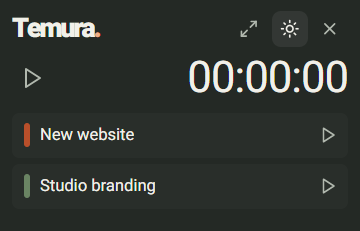
Choose a project → Switch projects → Save time
Keep a checklist inside each project. Add tasks, mark them done and see what’s left.
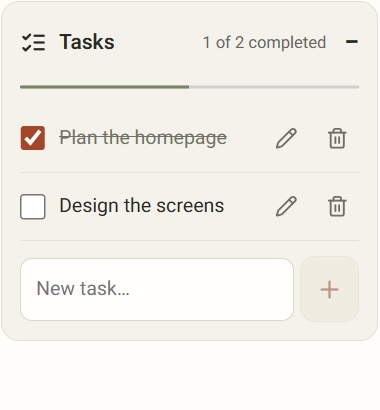
Complete a task → Add another → Update progress
Recorded in the app with example data. Playback stops at the end.
02 / The bigger picture
Hourly rate or fixed project price? Temura connects your time and pricing, including the effective hourly return on a fixed-price project.
Rate changes apply to new entries. Historical values are preserved.
An example · a fixed-price project
Set project hour budgets and alerts. Separate billable and internal time, then export Hebrew client reports with or without rates as CSV, HTML or print to PDF.
Light or dark mode, four color palettes and a full interface in English and Hebrew.
Local data on your computer, offline work and a full backup you can export and restore.
03 / Get started
A small file, around 38 KB, downloads the latest version from GitHub.
Select “התקנת תמורה” (Install Temura). Internet is needed for this step; installation is for your Windows account.
Choose what you’re working on and start tracking. No new account or sign-up.
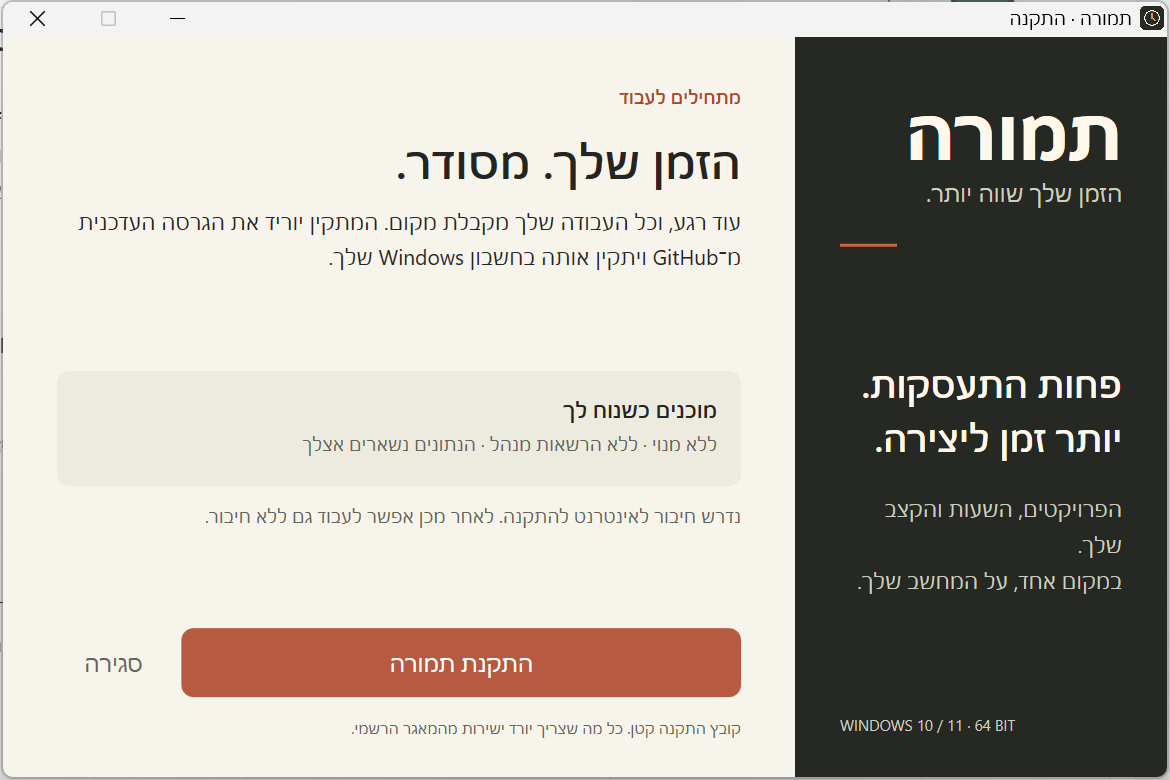
The files do not yet have a publisher signature. Windows may show an unknown-publisher warning.
On your computer, in the Windows app. Work data is not sent to a server. Export a full backup from Backup & settings and keep another copy outside your computer.
Yes. After installation, track time, manage tasks and review reports without a connection. Downloads and update checks require internet.
In the installed app: Backup & settings → Check for updates. You choose when to download and install. The portable version does not update itself.
Windows 10 and 11 on x64 processors. The app supports English and Hebrew; time uses the Israel time zone and currency is ILS (₪). Mac, Linux and Windows ARM have not been verified. The installer remains in Hebrew.
Yes. No subscription, no sign-up and no paid AI service. The application’s source code is available under the MIT license.
The files do not yet have a publisher certificate. Use the official links on this page; there is no need to change Windows security settings. Integrity checksums are available on the release page.